Introduction:
Assessments are a vital part of teaching, but they don’t have to take up all your time. Google Forms allows teachers to create quick, easy, and auto-graded quizzes that save hours of manual work. Let’s explore how you can use Google Forms effectively for classroom assessments in 2025.
Benefits of Using Google Forms for Teachers:
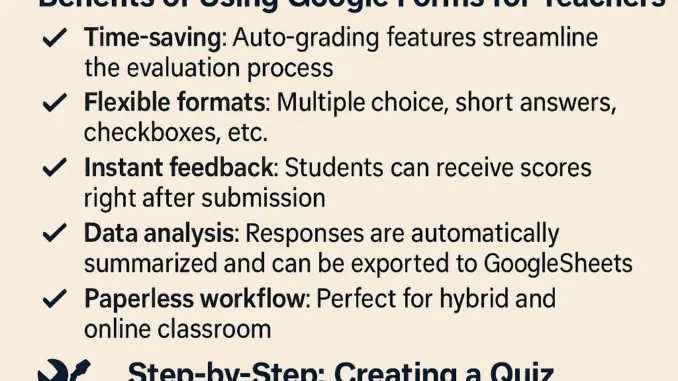
- Time-saving: Auto-grading features streamline the evaluation process
- Flexible formats: Multiple choice, short answers, checkboxes, etc.
- Instant feedback: Students can receive scores right after submission
- Data analysis: Responses are automatically summarized and can be exported to Google Sheets
- Paperless workflow: Perfect for hybrid and online classrooms
Step-by-Step: Creating a Quiz with Google Forms
Step 1: Go to forms.google.com
Step 2: Choose a blank quiz or use a template
Step 3: Add your questions and assign point values
Step 4: Enable auto-grading in “Settings”
Step 5: Share the form via link, email, or Google Classroom
Step 6: View and analyze responses from the “Responses” tab
Teaching Tips:
- Create a question bank to reuse for different classes
- Use images or videos in questions to make quizzes more interactive
- Enable “shuffle question order” to discourage cheating
- Collect email addresses for accountability in online tests
Conclusion:
Google Forms is more than just a survey tool—it’s a powerful assessment platform for teachers. With minimal effort, you can create professional-grade quizzes that enhance learning and save time. Start using it today and experience a smarter way to assess your students.
Explore more EdTech tips at Kruaof.com
