Introduction
Visual content is more important than ever in today’s classrooms. Whether you’re creating lesson materials, infographics, or student certificates, two platforms stand out: Canva and Adobe Express. But which one is best for teachers?
In this article, we’ll compare Canva vs Adobe Express based on features, ease of use, templates, and value — to help you choose the right tool for your teaching needs.
1. Overview of Both Platforms
| Tool | Website | Focus Area |
|---|---|---|
| Canva | canva.com | Versatile, user-friendly design for all |
| Adobe Express | express.adobe.com | High-quality graphics with Adobe power |
2. Features Comparison
| Feature | Canva | Adobe Express |
|---|---|---|
| Free education plan | Yes | Yes |
| Drag-and-drop interface | Yes | Yes |
| Templates for lessons | Yes (more) | Yes |
| Collaboration tools | Yes | Limited |
| AI tools (text-to-image) | Yes | Yes |
| Mobile app (intuitive) | Yes | Yes |
3. Canva for Teachers
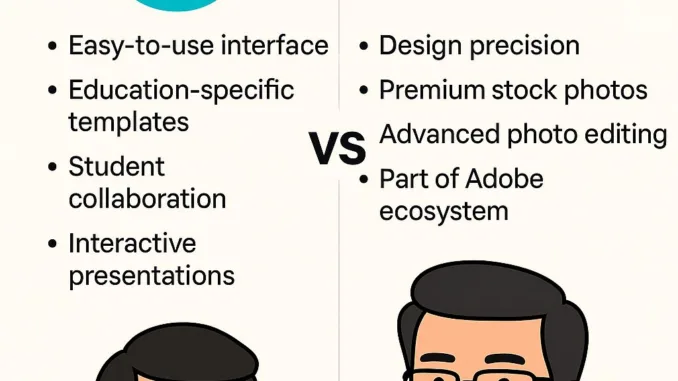
- Easy-to-use interface
- Huge collection of education-specific templates
- Includes classroom posters, worksheets, lesson plans
- Allows student collaboration
- Great for interactive presentations
Best for: Teachers who want speed, collaboration, and a variety of templates
4. Adobe Express for Teachers
- Offers more design precision
- Access to premium stock photos
- Advanced photo editing (remove background, color grading)
- Tied into the Adobe ecosystem (Photoshop, Illustrator)
Best for: Teachers already using Adobe tools, or needing advanced graphics
5. What Teachers Are Saying
“I love Canva’s templates — it saves me hours!”
“Adobe Express gives me that clean, professional look for school newsletters.”
Final Verdict: Which One Wins?
| Criteria | Winner |
|---|---|
| Ease of Use | Canva |
| Design Precision | Adobe Express |
| Templates for Classrooms | Canva |
| Photo Editing | Adobe Express |
| Team Collaboration | Canva |
If you’re new to design or working with students, start with Canva.
But if you want more creative control, Adobe Express might be the better fit.
